A concierge
at every chair.
A small card at every seat. Guests scan it, choose a flat white or ask for a charger, and it chimes on your front desk screen with their name on it. No app. No waving across the floor.
About 10 minutes to set up. No lock-in. Cancel from your admin.
- No app to download
- No guest sign-up
- Your logo, your colours
- Desk screen or salon mobile
How it works
Three steps. The guest never leaves the chair.
Everything happens on their phone and your desk screen. Nothing to install on either.
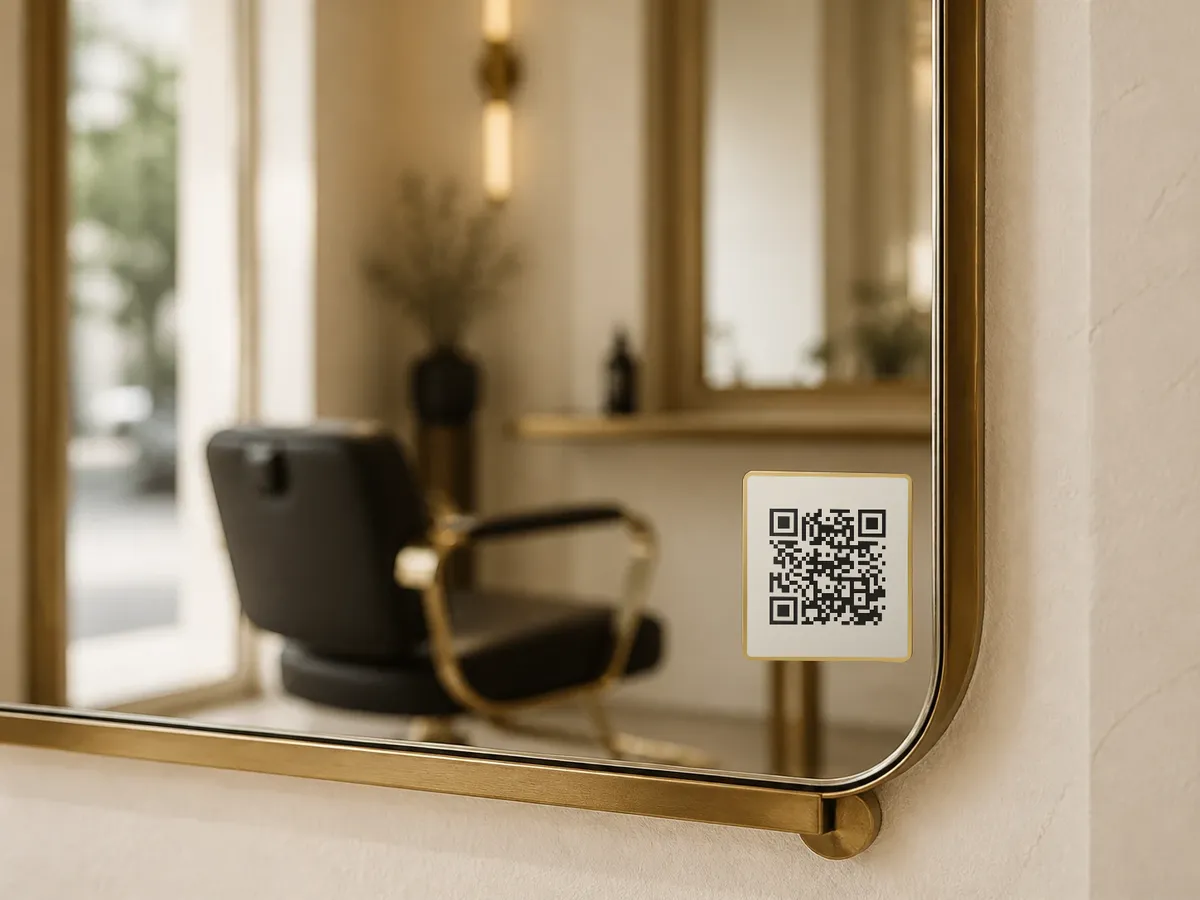
They scan the card
One card at each seat opens your salon's own page in the phone's camera. Your logo and colours, your menu.
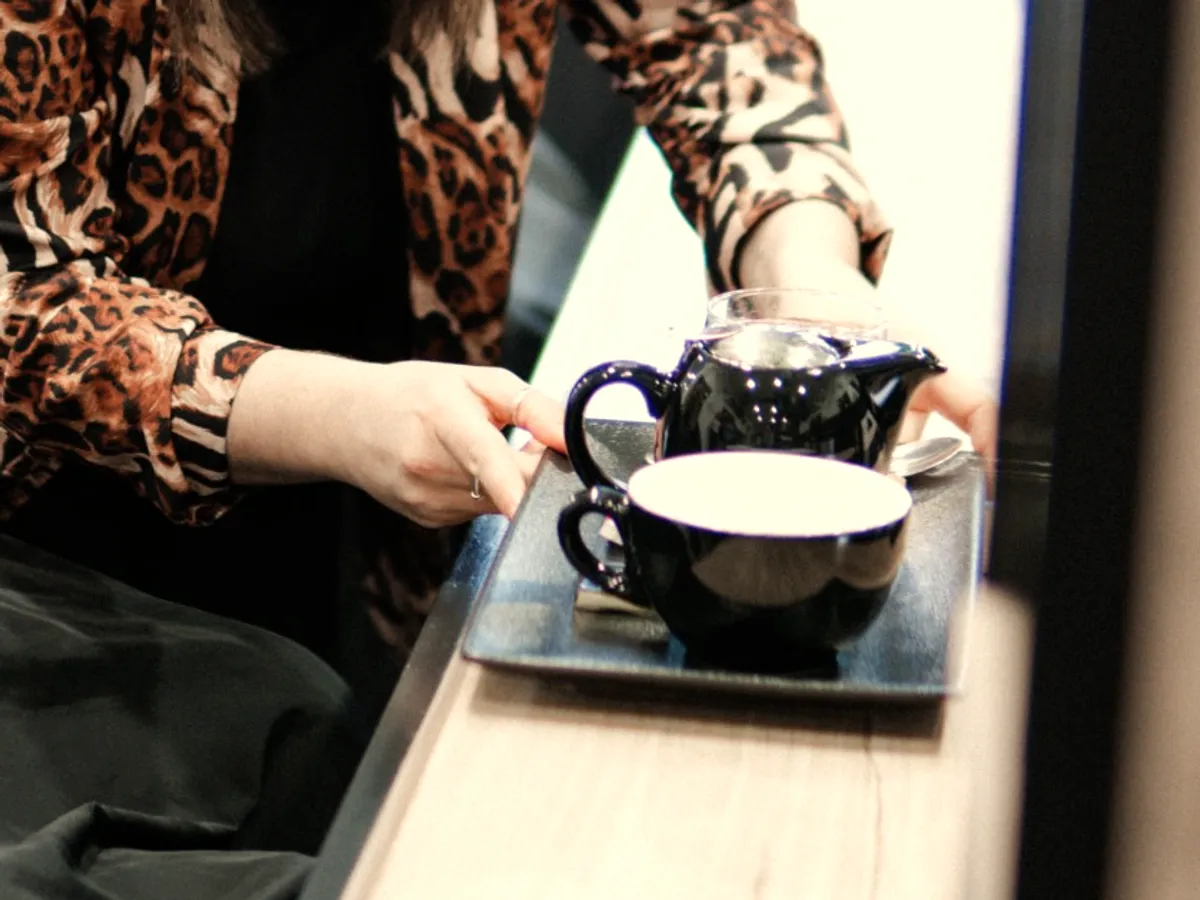
They choose what they'd like
A drink just how they take it, a blanket, the Wi-Fi password, a quieter visit. First name, then Send.
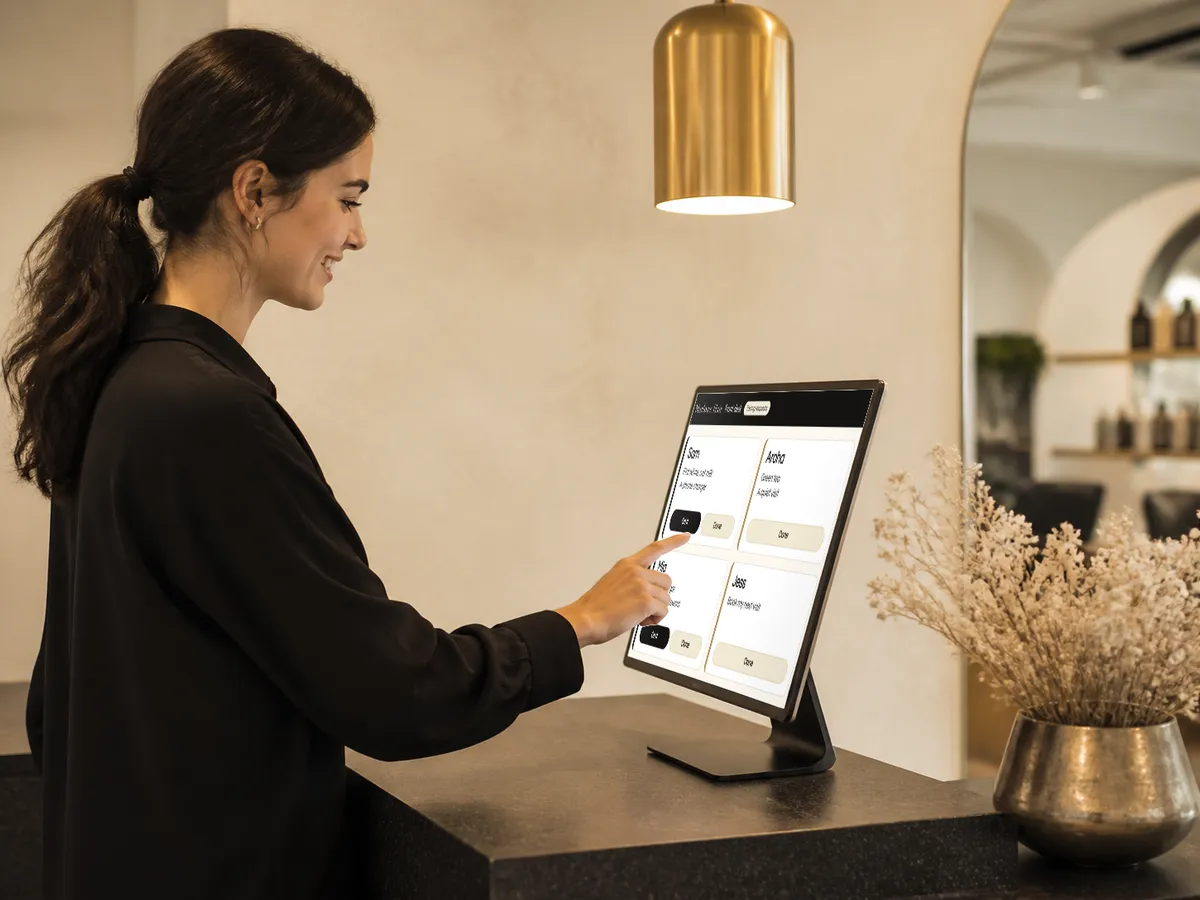
Your desk hears it
It chimes on the front desk screen with their name. Tap On it, then Done, and their phone shows it's coming. Rather keep it on your phone? Requests can come to the salon mobile as a text instead.
At your front desk
Every request lands in one calm place.
Open your front desk screen on any computer or tablet at reception. It wears your salon's colours, chimes when a guest asks for something, and pops up in the corner even while you're in your booking system.
- A chime and a pop-upHear it at the desk, see who's asking and what for, without leaving what you're doing.
- On it, then DoneOne tap and the guest's phone shows it's coming. Anything left waiting turns red, so nothing's missed.
- Closed for the day?Outside your hours, guests send it to the salon mobile by text or WhatsApp instead.
Why salons use it
A calmer floor. Guests who feel looked after.
The small things guests used to wait to ask for now reach the right person, quietly, while your stylists keep working.
No more catching an eye
Guests with foils in don't wave or wait. The desk handles it while stylists stay with their client.
Retail and rebooking, asked for
"Take home what you used today" and "Book my next visit" sit on the menu, so guests ask before the till.
Extras that add to the bill
Offer snacks or a glass of bubbles with a price. The desk sees exactly what to add.
Private by design
No guest accounts, cookies or tracking. Desk requests are cleared once done.
Setting up
Ready in about 10 minutes. No one to call.
A guided set-up does the heavy lifting. Everything starts filled in with what most salons offer. Your job is to switch off what isn't you.
- Paste your websiteBeckon reads your name, logo, colours, booking link and hours. You tap what to keep.
- Trim the menuDrinks, milks and little extras are already there. Rename, reorder or switch off.
- Print your cards and go livePrint-ready cards and stickers for Vistaprint or any print shop. One code for every seat.
Try it now
Scan the code. Be the guest.
Point your phone's camera here and you'll get a demo salon's page, exactly as your guests would. Nothing to sign up for.
On your phone already? Open the demo
Pricing
One simple price. 7 days free first.
Every plan includes everything: your guest page, unlimited requests, the front desk screen, print-ready cards and email support. Prices in AUD, no GST added.
Founding
For our first 10 salonsOr $450 a year, two months free.
- Price kept for as long as you stay subscribed
- Everything in Beckon
Standard
Or $750 a year, two months free.
- Everything in Beckon, for any salon
- Change plan or cancel any time
Card needed to start the trial. Nothing charged for 7 days.
Do guests need an app or an account?
No. They scan the card with their phone's camera and the page opens. No download, no sign-up, no password.
What do we need at the front desk?
Your choice. A computer or tablet with Google Chrome for the front desk screen, the salon mobile for texts and WhatsApp, or both, with texts taking over when the desk is closed. Set-up walks you through it.
What if the desk screen is off?
Outside your opening hours, guests send by text or WhatsApp instead, straight to your mobile. The message is already written for them.
How do we get the cards printed?
Your admin makes print-ready files in five sizes, from DL cards to small stickers. Upload them to Vistaprint or take them to any print shop. One code works for every seat.
What do you keep about our guests?
Almost nothing. Texts go phone to phone and we never see them. Requests to the desk are cleared once they're done, and never kept longer than 10 hours.
Can we cancel?
Any time, from Manage billing in your admin. You keep Beckon until the end of the period you've paid for.
Let them ask.
Beckon brings it to the desk.
7 days free. Set up this afternoon, cards on the chairs by the weekend.
Start your free trial